 Hymnal
Hymn
Every hymn by number or by word, in English and Yorùbá, plus all the readings and benedictions.
- i.
English and Yorùbá
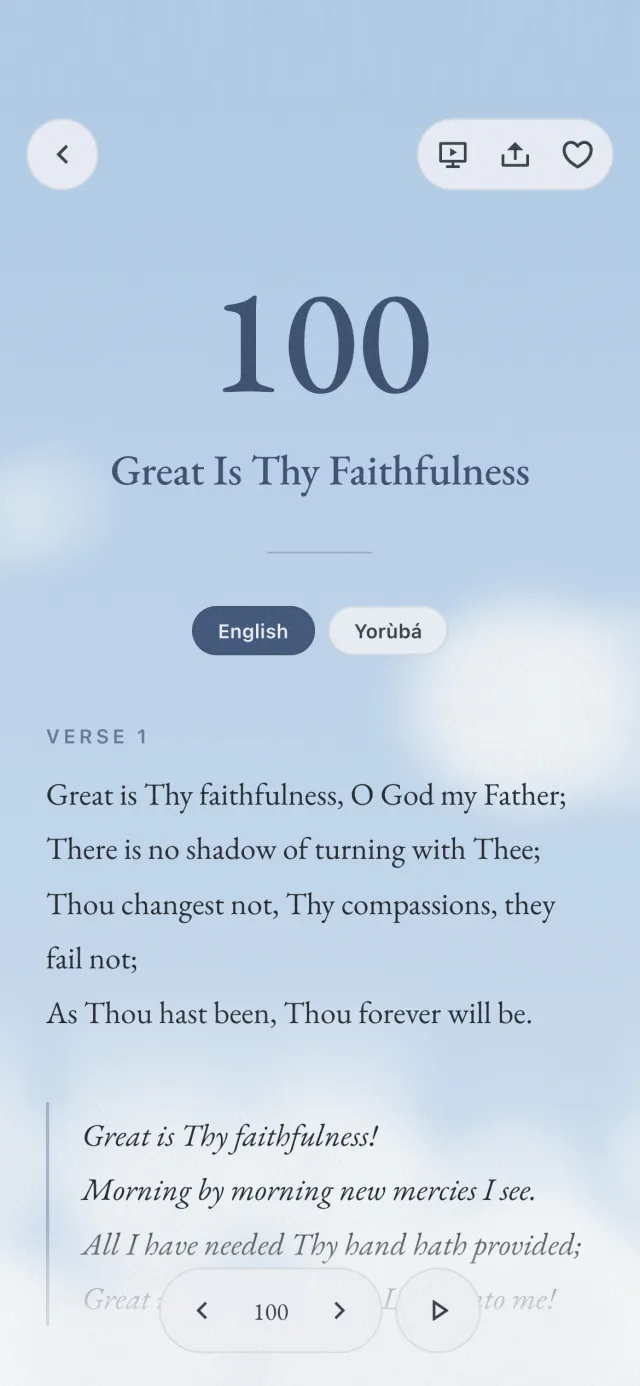
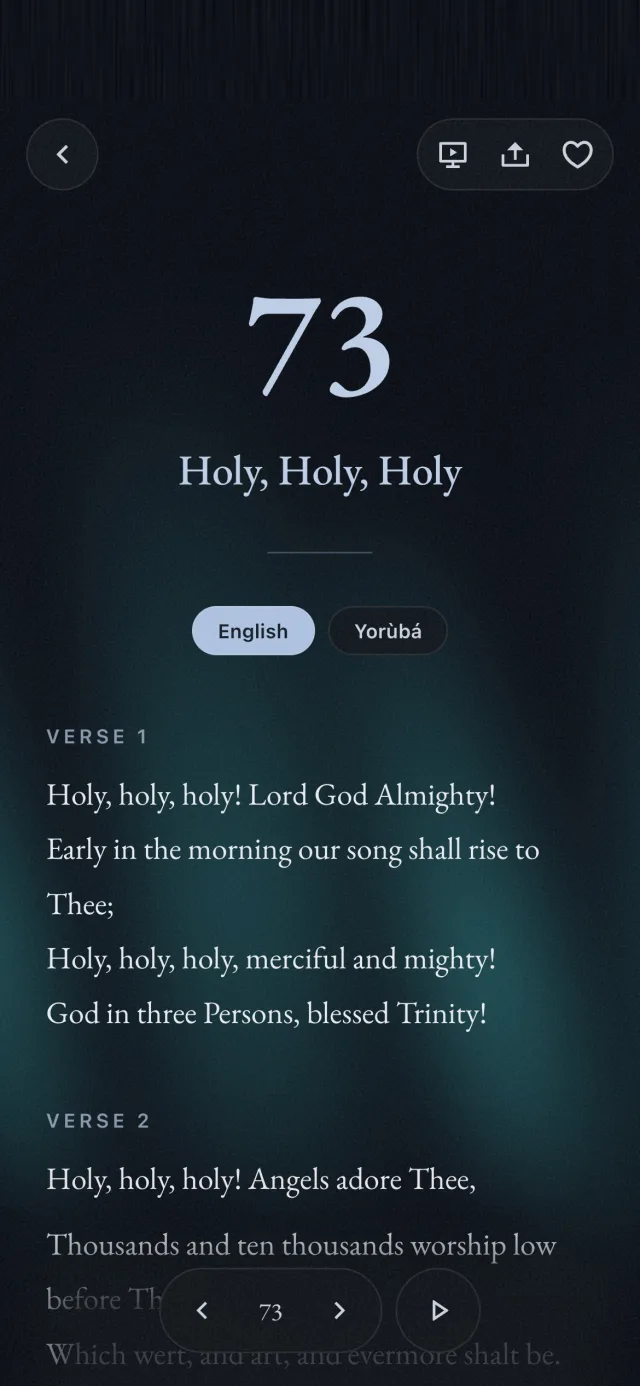
Switch any hymn between the two with one tap.
- ii.
Readings and benedictions
Scripture readings, calls to worship and benedictions, all 225.
- iii.
Works offline
The words are always there, with or without data.
- iv.
Listen and present
Play recordings, or put the words on a church screen.
How to get it and use it
- 1.
Tap Download
On your phone, tap the big Download button at the bottom of this page.
- 2.
On an Android phone
Google Play opens. Tap the green Install button. Wait for it to finish, then tap Open.
- 3.
On an iPhone
The App Store opens. Tap the blue Get button. If your phone asks, press the side button two times or type your password. Wait for the circle to fill, then tap Open.
- 4.
Open it next time
Tap SDA Hymnal on your home screen.
- 5.
Find a hymn by its number
Tap No., type the number, for example 100, and tap Open.
- 6.
Find a hymn by its words
Tap the search box and type any words you remember, from the title or any verse. In Yorùbá you don’t need the accent marks.
- 7.
Sing it in Yorùbá
In a hymn, tap Yorùbá under the title. Tap English to go back. On the first page, tap English or Yorùbá at the top to change the whole book.
- 8.
Call to Worship and readings
Tap Call to Worship in the row under the search, or type its number, like 845.
- 9.
Hear the tune
In a hymn, tap the play button at the bottom.